
Opening Comparison
Permit me a discreet observation: choosing between an all‑in‑one and a traditional desktop is less a technical dilemma and more a declaration of domestic taste. If your desk prefers minimalism and your household tolerates only one power cord, begin by browsing all in one computer deals to see what manufacturers currently offer in a single, self‑contained chassis.
Design and Space Economy
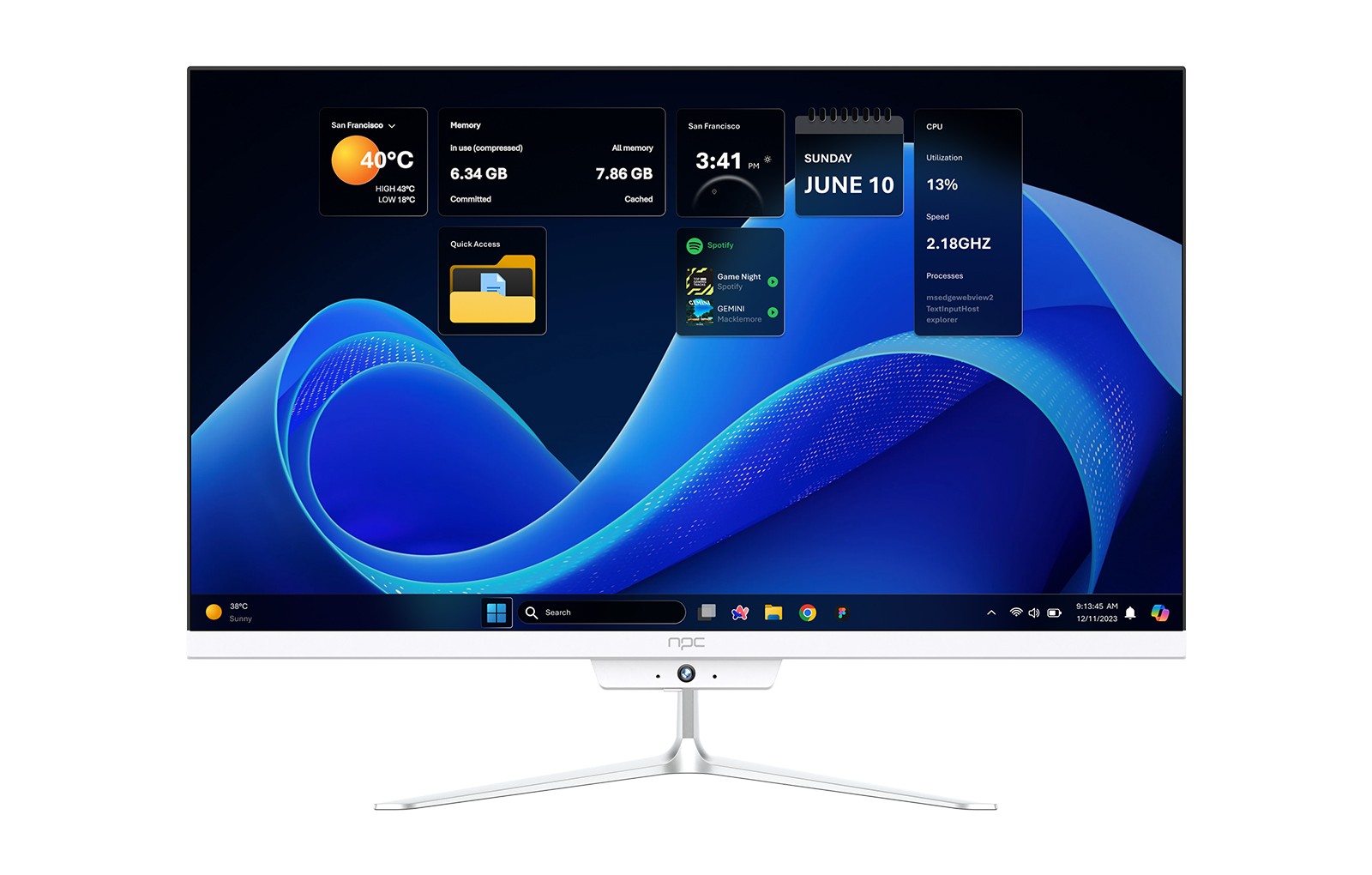
All‑in‑one systems present a single, integrated silhouette—screen, compute, speakers, and webcam married into one appliance. Traditional towers insist on separate monitors, speakers, and a jungle of cables. The trade is clear: you gain a tidy footprint and a cleaner aesthetic with an all‑in‑one, but you surrender the modular freedom of swapping displays or repositioning components without an extended negotiation with screws and brackets.
Performance and Upgradeability
Todays’ all‑in‑ones can carry serious silicon—midrange processors, modest discrete GPUs, and fast SSDs—but thermals and internal space limit sustained peak performance. Towers accept larger coolers, beefier GPUs, and multiple drive bays. If you plan to upgrade repeatedly over several years, a traditional case is honest about its intentions; the all‑in‑one intends to be bought once and lived with politely.
Ports, Peripherals, and Repairability
Manufacturers often favor elegance over abundance. Expect fewer internal expansion slots and fewer rear ports on many all‑in‑one models. Repairability varies by brand—some designs allow easy access to RAM and storage, others require surgical patience. Traditional desktops usually return serviceability and port variety on demand, which suits tinkerers and households that anticipate hardware refreshes.
Evidence, Credentials, and a Real‑World Anchor
My experience advising small offices and home setups—combined with hands‑on testing of multiple models—shows repeated patterns: compact designs, careful component choices, and clear tradeoffs between convenience and upgrade paths. At CES 2024 manufacturers highlighted both thinner bezels and improved cooling strategies for integrated PCs, which underscores the design priorities driving current offerings. For readers researching options, this is where to check for the specific configuration that matches your needs: best all in one computer for home use.
Alternatives and Common Mistakes
Consider a few realistic alternatives before committing. A compact mini‑PC plus a separate monitor can mimic the footprint of an all‑in‑one while keeping upgrade doors open. Laptops deliver portability at the cost of desktop ergonomics. Common mistakes include choosing an all‑in‑one with under‑specified RAM or storage for future needs, and buying without checking repair policies—both create avoidable frustration down the line.
Cost, Warranty, and Practical Value
Upfront cost for comparable specs often favors a tower plus monitor bundle, but all‑in‑ones reduce the need for accessory purchases. Warranties sometimes matter more than raw price: extended parts support and on‑site service can tip a practical household toward one manufacturer over another. Decide whether you value a simple desk or the option to evolve the machine over time.
Closing Synthesis
If you value a refined desk and straightforward setup, choose an all‑in‑one; if you prize raw upgradeability and repair freedom, choose a traditional desktop. The most sensible path balances those priorities with clear specifications and service terms—an approach exemplified by the curated models available through npc, which align design intent with practical support without theatrical promises.