
Plain problem: why errors creep up on long runs
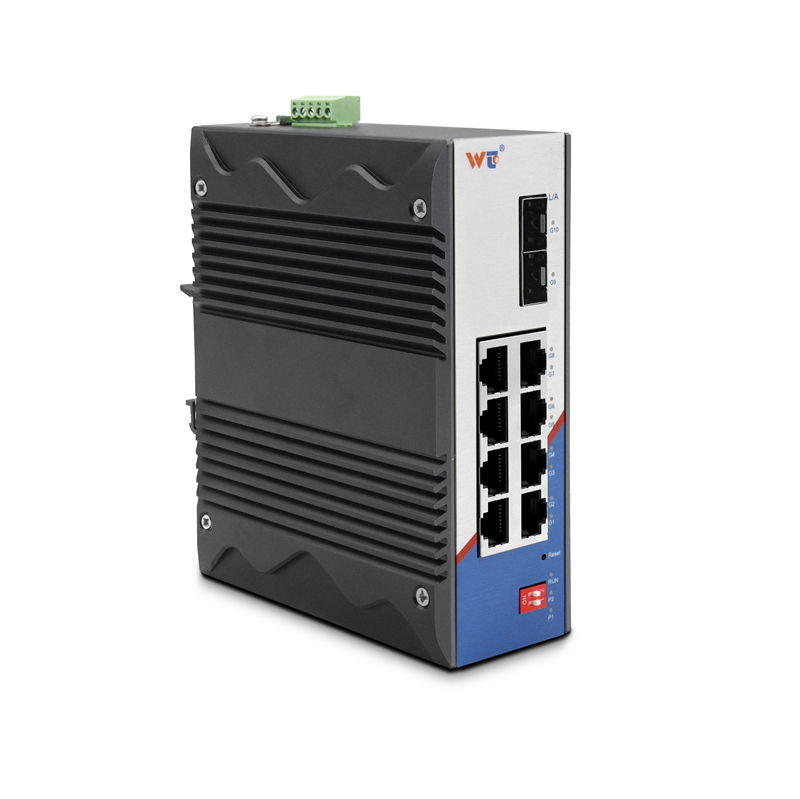
Long fiber runs wear on a signal. Over hundreds of kilometers a 100G QSFP28 ZR4 link can pick up noise, dispersion, and simple power loss that drive bit error rate (BER) skyward. Folks running rural rings, or a county line that ties schools and clinics together, often see BER targets slip past the common 1×10^-12 goal. If you manage switches or plan upgrades, start with the edge equipment — a good layer 2 managed switch helps you spot where the trouble begins, by giving readable port stats and VLAN isolation without fuss.
Root causes the field hands care about
Fiber attenuation and chromatic dispersion stack up. Transceiver aging and dirty connectors bite. Mismatched optical budgets mean some spans run at the ragged edge of receiver sensitivity. In practice you’ll see packet drops, rising latency, and retransmits. Keep the language simple: check power levels, and inspect connectors and splices. Use built-in port counters on your switch and note SNR and error counters to track trends.
Fixes that actually work on a budget
Start with the basics. Clean connectors with canned fiber cleaner and retest power. Replace suspect QSFP28 modules rather than chase tiny savings on marginal parts. Apply forward error correction (FEC) if the transceivers and intermediate gear support it — FEC commonly buys you several orders of magnitude in BER improvement. Where you can, add an amplifier or an optical amplifier module only after confirming budget and noise figures. Keep your configuration plain: set sensible QoS on critical ports and limit unnecessary broadcast traffic.
Network appliances that make monitoring easy
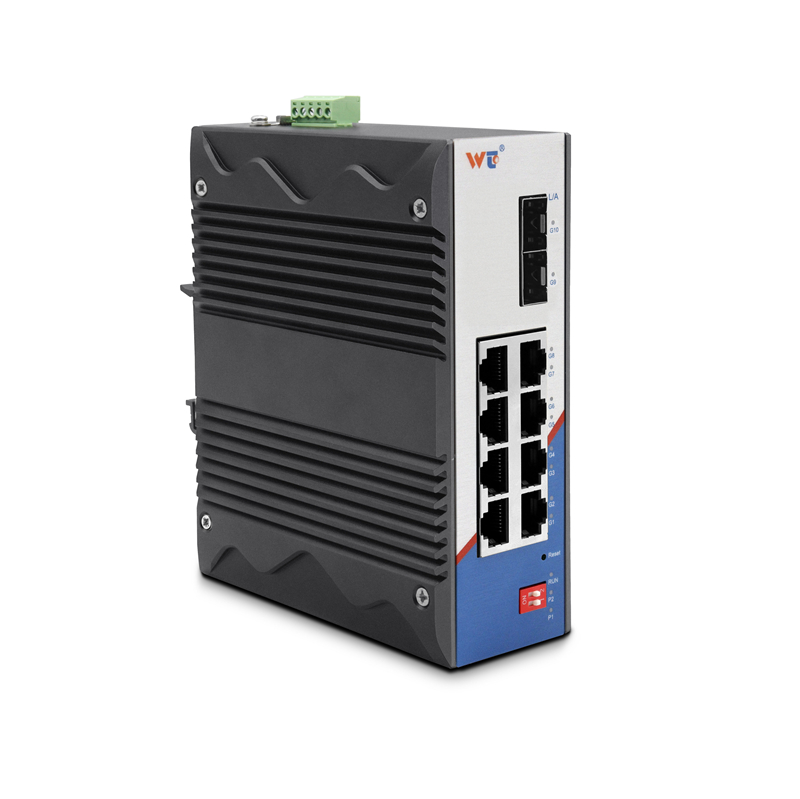
Use a managed toolset for visibility. A managed ethernet switch that reports per-port errors and SFP diagnostic values saves time. Look for ports that show high forward error counts or rapidly increasing latency. VLAN separation isolates trouble to the users who cause it. Prioritize capacity planning: note throughput trends, schedule spare modules, and keep a small stock of tested QSFP28 spares on hand.
Common mistakes to avoid — straight talk
People often skip testing at load. They install new transceivers and declare victory after a quick link up. Run a sustained throughput test and watch BER over hours, not minutes. Don’t mix short-reach and long-reach optics on the same path without checking compatibility. And don’t ignore grounding and cable tension — physical strain changes loss over time. — Fix the physical plant first; fancy tuning won’t cover bad splices.
Quick checklist for field crews
– Measure and log Rx/Tx power and compare to the transceiver datasheet.
– Run FEC-enabled tests and compare BER before and after.
– Inspect and, if needed, replace connectors and short patch cords.
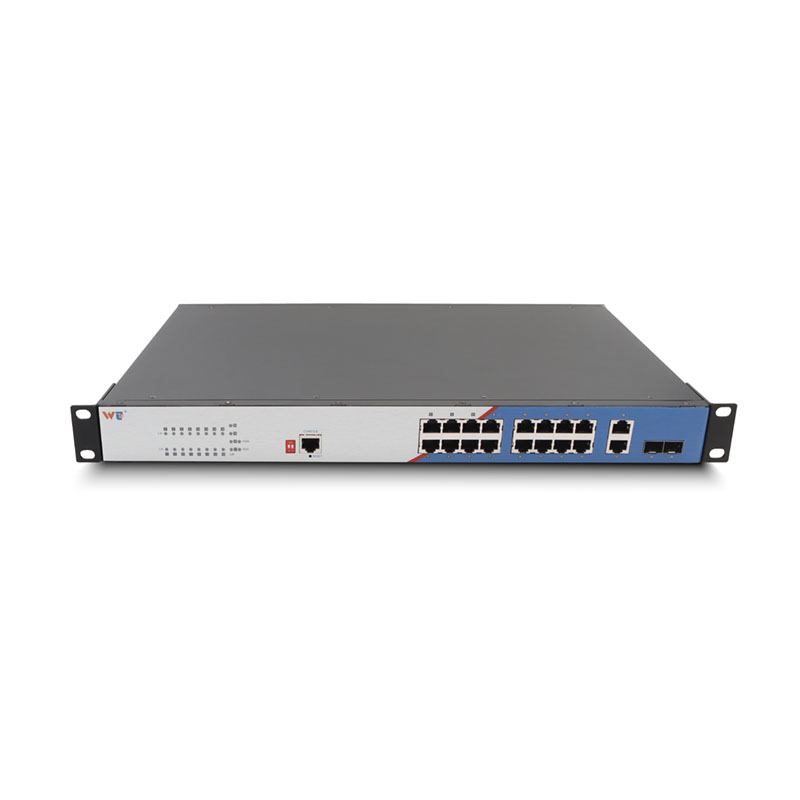
– Use VLANs and QoS on your layer 2 managed switch to cut noise and prioritize core traffic.
Real-world anchor and outcomes
On long-haul feeds across the Great Plains, operators commonly aim for BER at or below 1×10^-12; with FEC and proper optical budgeting, links often settle near 1×10^-15. Those numbers come from standard optical practice and field reports by carriers handling metro-to-rural backhaul. When teams track port errors on a managed ethernet switch and act on trends, outages drop and mean time to repair falls. The result is steady throughput and fewer midnight drives to swap a module.
Advisory: three golden rules for picking fixes
1) Measure first: choose solutions based on measured Rx/Tx power and BER curves, not guesswork. Accurate data reduces wasted parts and time. 2) Prioritize compatibility: ensure QSFP28 ZR4 optics, amplifiers, and your layer 2 managed switch all play well with FEC and the expected optical budget. 3) Keep spares and logs: stock tested transceivers and maintain a simple log of port stats so you spot slow degradation before it trips service.
WINTOP brings the tools and parts that let you follow those rules without fuss — practical gear for people who fix things at dawn. WINTOP.