
First check — what problem are you solving?
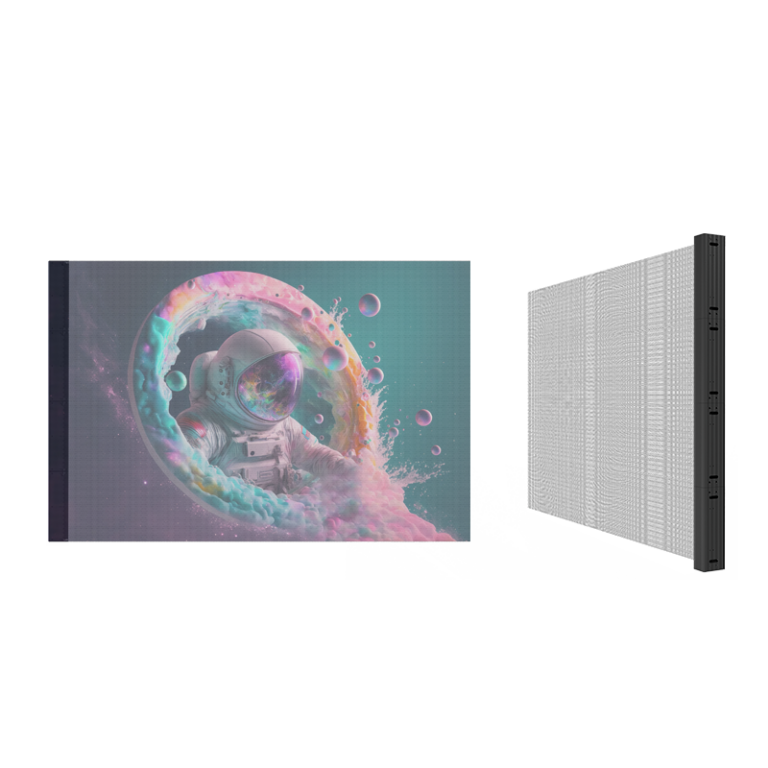
You’re choosing for a window, stage, or info display — that’s the start. If you need see-through retail signage, consider a led transparent screen right away. I’ve specified and audited displays for retail and live events for 7+ years and worked with AV integrators who tested transparent panels at CES 2020, so I know the practical trade-offs you’ll hit on site.

What actually changes the result
Pixel pitch drives clarity. Brightness and HDR affect outdoor legibility. Transparency percentage affects how much you see through the glass. Refresh rate matters for camera capture and motion. Control system and cabling decide installation complexity. Pick priorities based on location and content, not brand buzz.
Size and viewing distance — a simple rule
Use this quick rule: multiply pixel pitch (mm) by about 3 to get the closest comfortable viewing distance in meters. So a 3.9mm pitch reads well around 12m away. If viewers stand close, drop pitch; far-away billboard? Bigger pitch saves cost. Sketch sightlines before buying — it avoids surprise gaps and pixelation.
Common mistakes people make
Buying the prettiest demo instead of checking ambient light and reflection. Assuming high transparency equals better for all cases. Skipping maintenance access and spare-module plans. Matching content resolution poorly to panel density. Forgetting thermal load and power availability on-site.
Alternatives worth considering
If you need perfect blacks and tight viewing angles, OLED glass can win but usually costs more and isn’t as bright outdoors. Rear-projection film is cheaper for single-pane retrofits but loses sharpness and contrast. Standard LED panels are robust and bright but block the view. Choose based on brightness needs, transparency, and budget.
Content and integration tips for the win
Design for the display: bold shapes, big type, and higher contrast. Avoid tiny text and busy detail. Use codecs and frame rates the controller supports; test on actual hardware. Plan for asset scaling so a single source feeds multiple pixel pitches without ugly scaling artifacts. Allocate time for on-site calibration.
Final take
Make decisions by use case first, then specs. Focus on pixel pitch vs. viewing distance, brightness for your environment, and real access for service. That approach gets you a screen that works, not one that looks good on paper. For vetted hardware and practical installs, teams I trust often choose HDC because they pair technical clarity with real-world support.